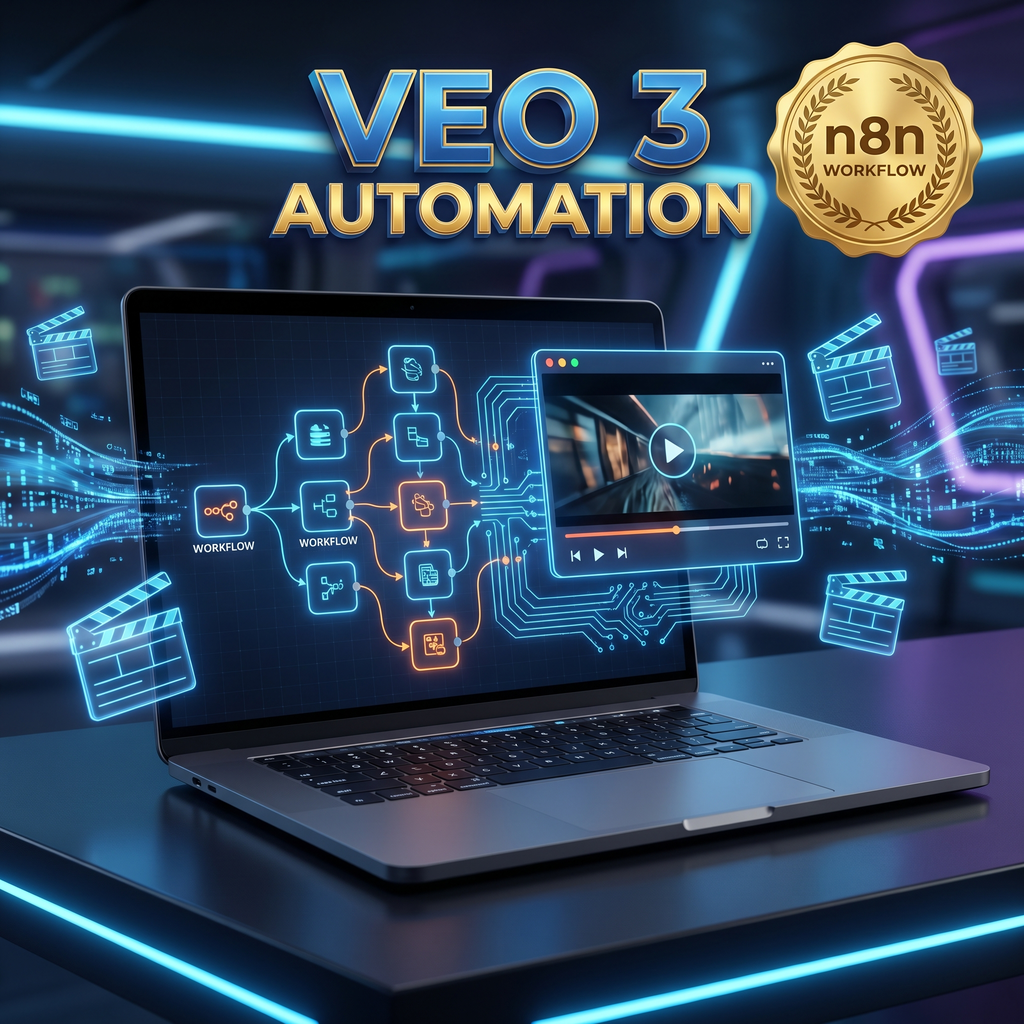

Stop generating AI videos one by one! What if you could build a fully automated pipeline that writes perfect prompts, generates cinematic clips with Google’s VEO 3, and organizes everything in a spreadsheet for you? Transform your content creation pipeline instantly with our complete, no code n8n automation template.
Welcome to the future of AI productivity. This VEO 3 AI Video Generation Workflow is a powerful, ready to import n8n JSON template designed to put your video creation on autopilot.
Powered by the VEO 3 API (via WaveSpeed AI), this workflow features a built in AI Agent that assists you in crafting the perfect scene prompts. Whether you need precise control over your camera angles or just want to generate instant clips based on a general theme, this system handles the heavy lifting so you can skip the tedious manual video editing and focus on scaling your output.
✨ Key Features
-
🤖 Smart Prompting Agent: Built in AI assistance to help you format the perfect requests for the VEO 3 engine.
-
🎛️ Dual Generation Modes: Manual Mode: Input exact scene details, style, mood, and audio preferences.
-
Auto Theme Mode: Instantly generate full video concepts from a single topic.
-
-
🔗 Seamless API Integration: Automates the entire rendering process using VEO 3 and WaveSpeed AI.
-
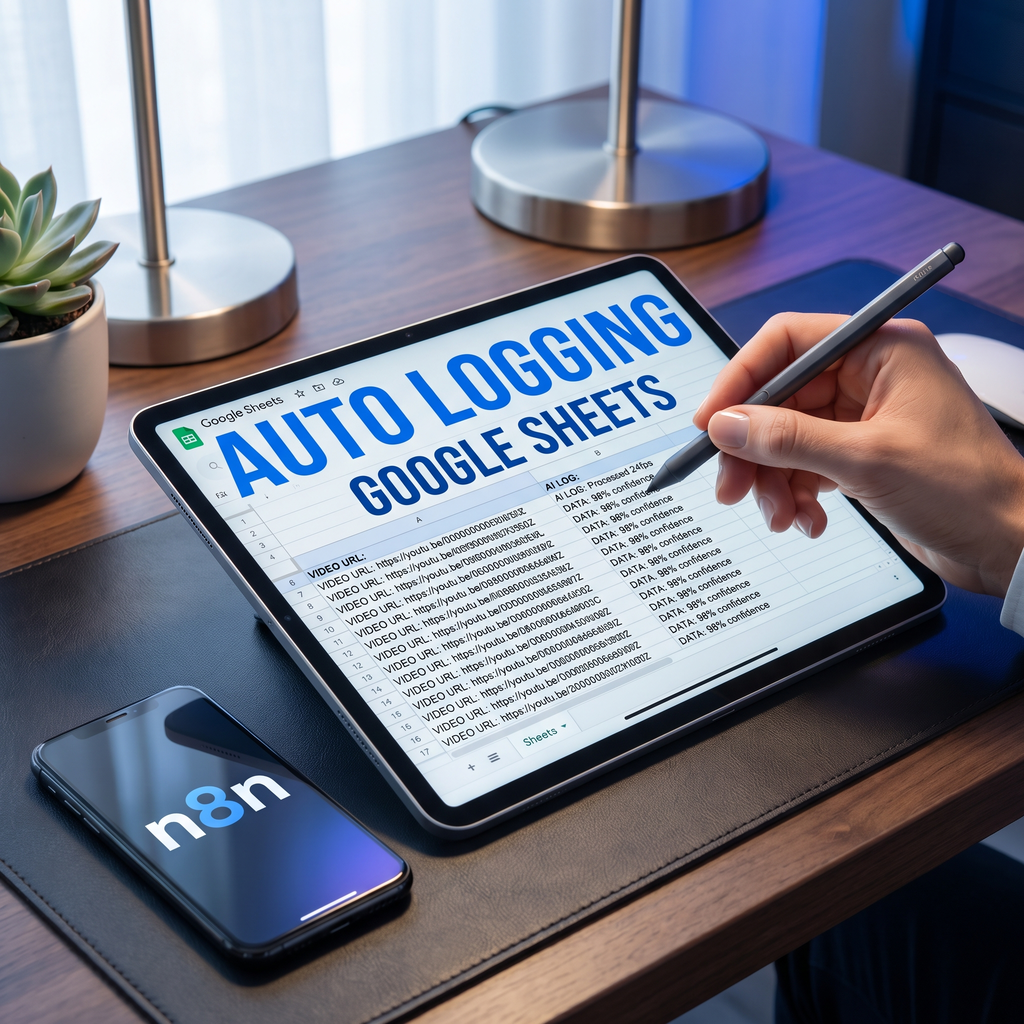
📊 Google Sheets Logging: Automatically logs your video output URLs, prompt details, and creative settings directly into a spreadsheet for easy tracking.
-
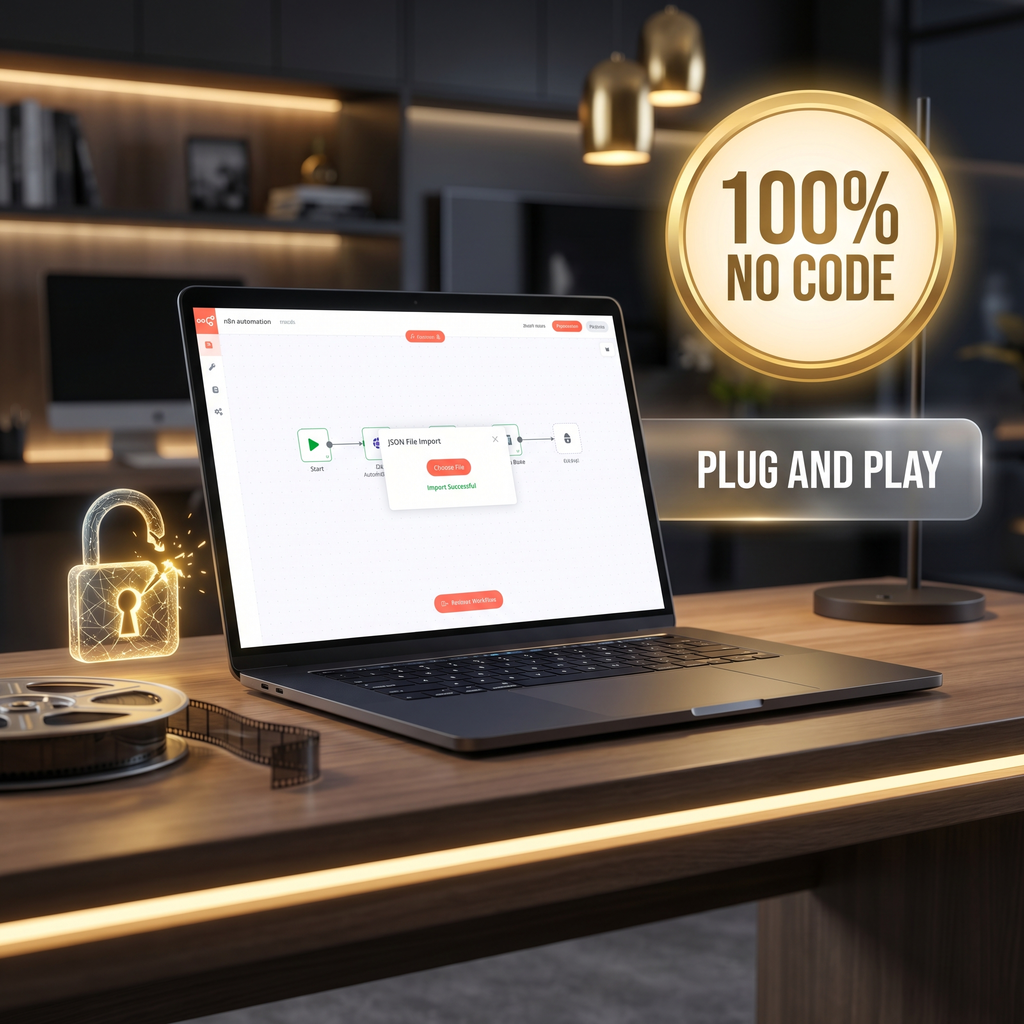
💻 100% No Code: Built entirely in n8n. No programming experience required!
🎯 Perfect For:
-
Freelance Video Editors & Virtual Assistants: Looking to speed up their workflow, offer high end AI rendering services to clients, and automate repetitive tasks.
-
Digital Creators & Marketers: Building high volume short form content (Reels, TikToks, Shorts).
-
Automation Enthusiasts: Wanting a plug and play template to connect their favorite AI tools.
📦 What You Will Receive
-
1x Complete n8n Workflow File (JSON format)
-
Lifetime Access to the template structure.
⚙️ Step by Step Import & Setup Guide
We’ve made setup incredibly easy. Just follow these steps to get your AI video factory running:
1. Prerequisites
-
An active n8n account (Self hosted or Cloud version).
-
A VEO 3 API Key (Ensure your API billing/access is enabled).
-
Google Sheets API Credentials (OAuth2 or Service Account) to log your generated videos.
2. Importing the Workflow
-
Log in to your n8n dashboard.
-
Navigate to Workflows ➔ Import Workflow.
-
Upload the provided JSON file.
-
Click Save.
3. Configure Your Credentials
-
Go to the Credentials tab in n8n.
-
Add an HTTP Request Authentication (for your VEO API key).
-
Add your Google Sheets Credentials.
-
Link these credentials to their respective nodes inside the visual workflow.
4. Customize Your Settings
-
Manual Mode Node: Define your specific Scene Details, Style & Mood, and Audio/Voiceover preferences.
-
Auto Theme Mode Node: Set a broad topic and let the AI generate the prompt for you.
5. Run the Automation!
-
Click Execute Workflow.
-
The AI Agent will format your request, send it to the VEO API, fetch the final video URL, and securely log the data into your Google Sheet.
-
Click the output link to download your cinematic video!
💡 Pro-Tip for Advanced Users: Once set up, you can easily add n8n Trigger Nodes (like a Cron timer or Webhook) to run this workflow on a schedule, or add an Email/Slack node to notify you the second a new video is finished rendering!
⚠️ Important Notes & Support
-
Digital Format: This is a digital download. No physical product will be shipped.
-
Need Help? If you run into any issues during the n8n setup, feel free to message me directly via Palmin. We are happy to help you get your automation running smoothly!
Take the manual labor out of AI generation. Download your VEO 3 automation template today!






















 No products in the cart.
Reviews
There are no reviews yet.